ONU Operations
ONUs can be managed from the corresponding view in XOS,
it is located under vOLT -> ONU Devices
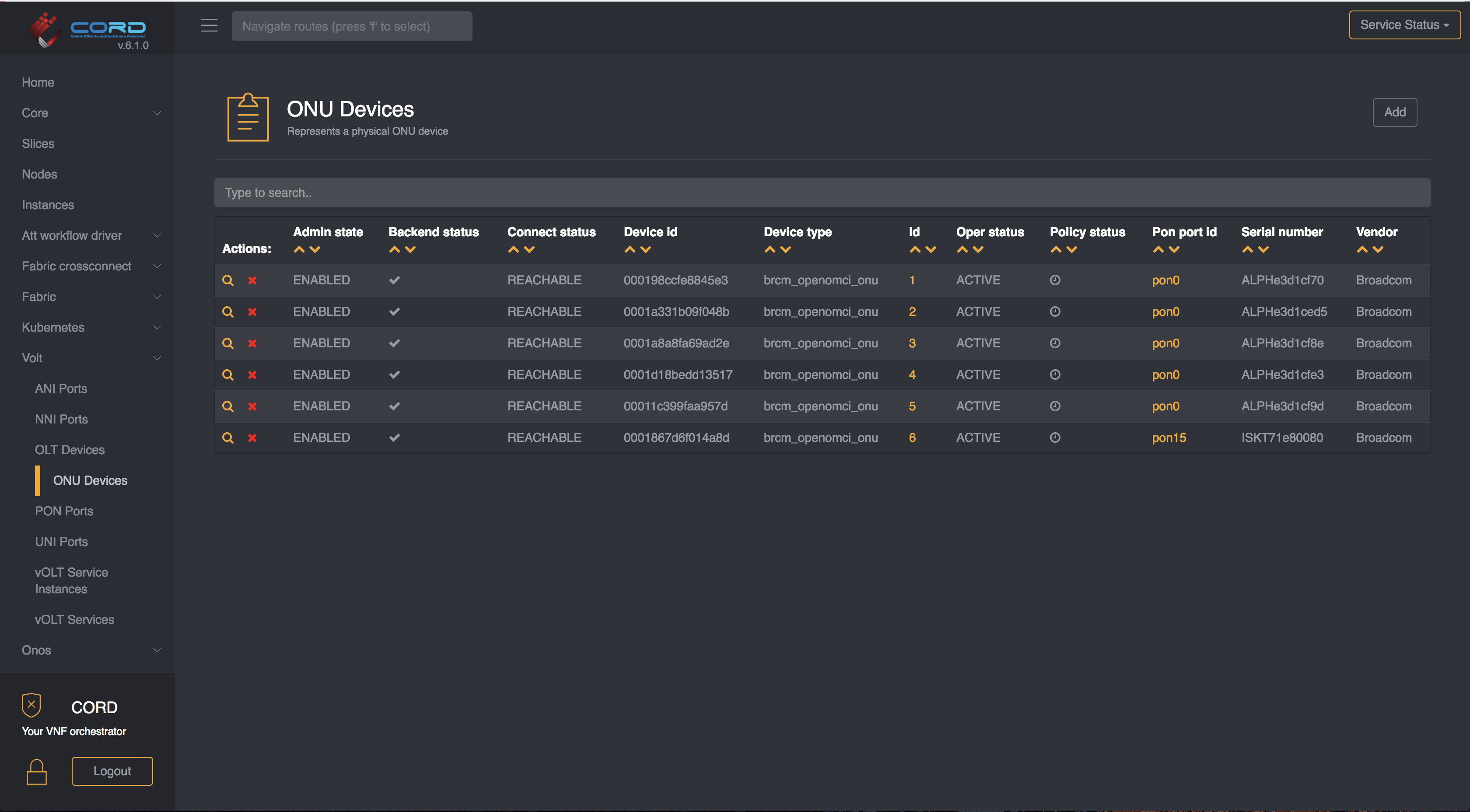
From this view you can view all the ONUs known to the system, remove them or go to the details page (clicking on the magnifier icon)
Enable/Disable an ONU
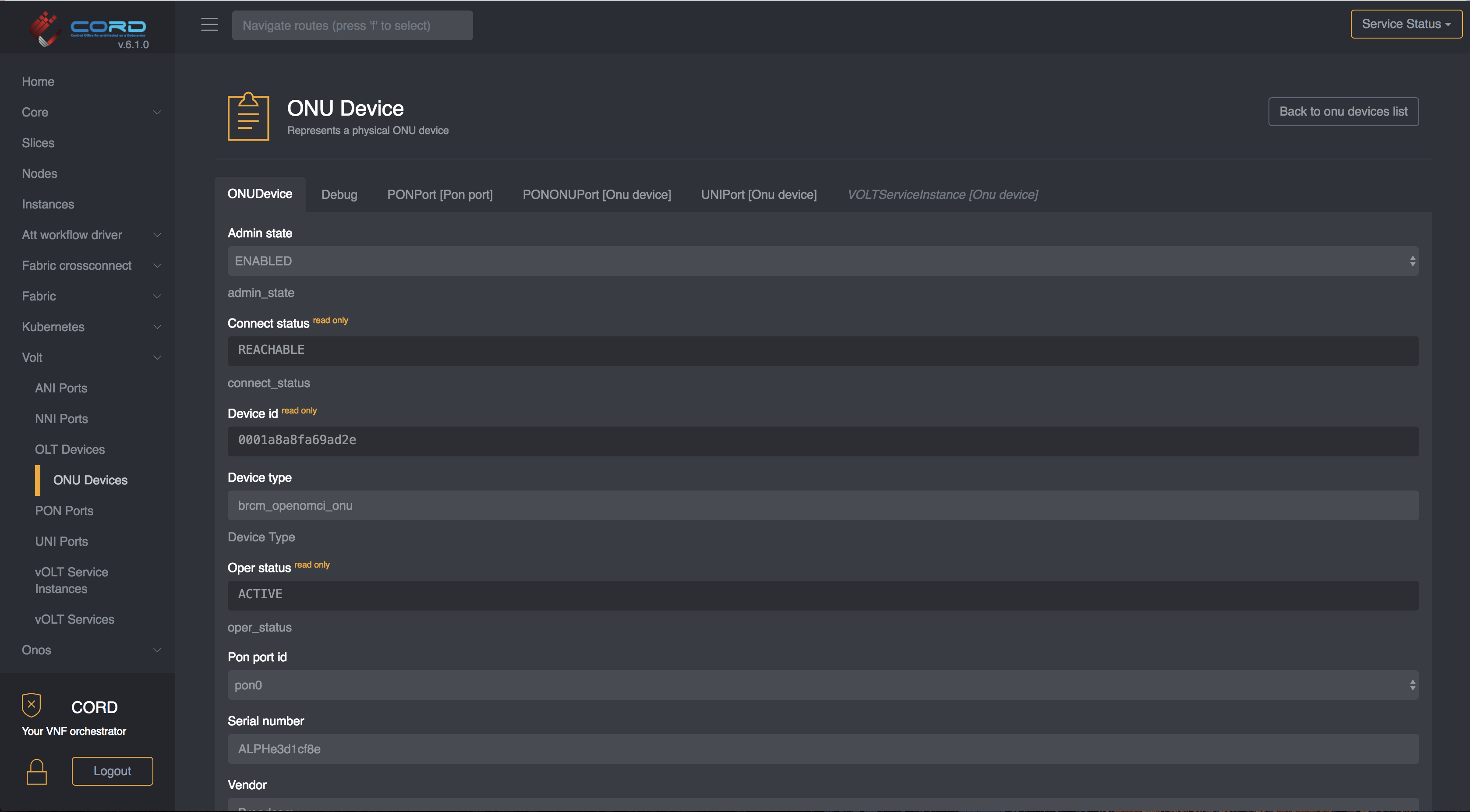
Once you are in the ONU details view, you can just change it's Admin State
to ENABLED if you wish the device to be enabled, or ADMIN_DISABLED if
you wish the device to be administratively disabled. Avoid manunally setting
the state to DISABLED as the workflow may toggle it back to ENABLED.